Product update: We’ve improved the what3words Compass feature
Luke Mears, Product Manager at what3words, announces the updated Compass feature that makes it even easier to navigate to any precise location.
What is the what3words Compass?
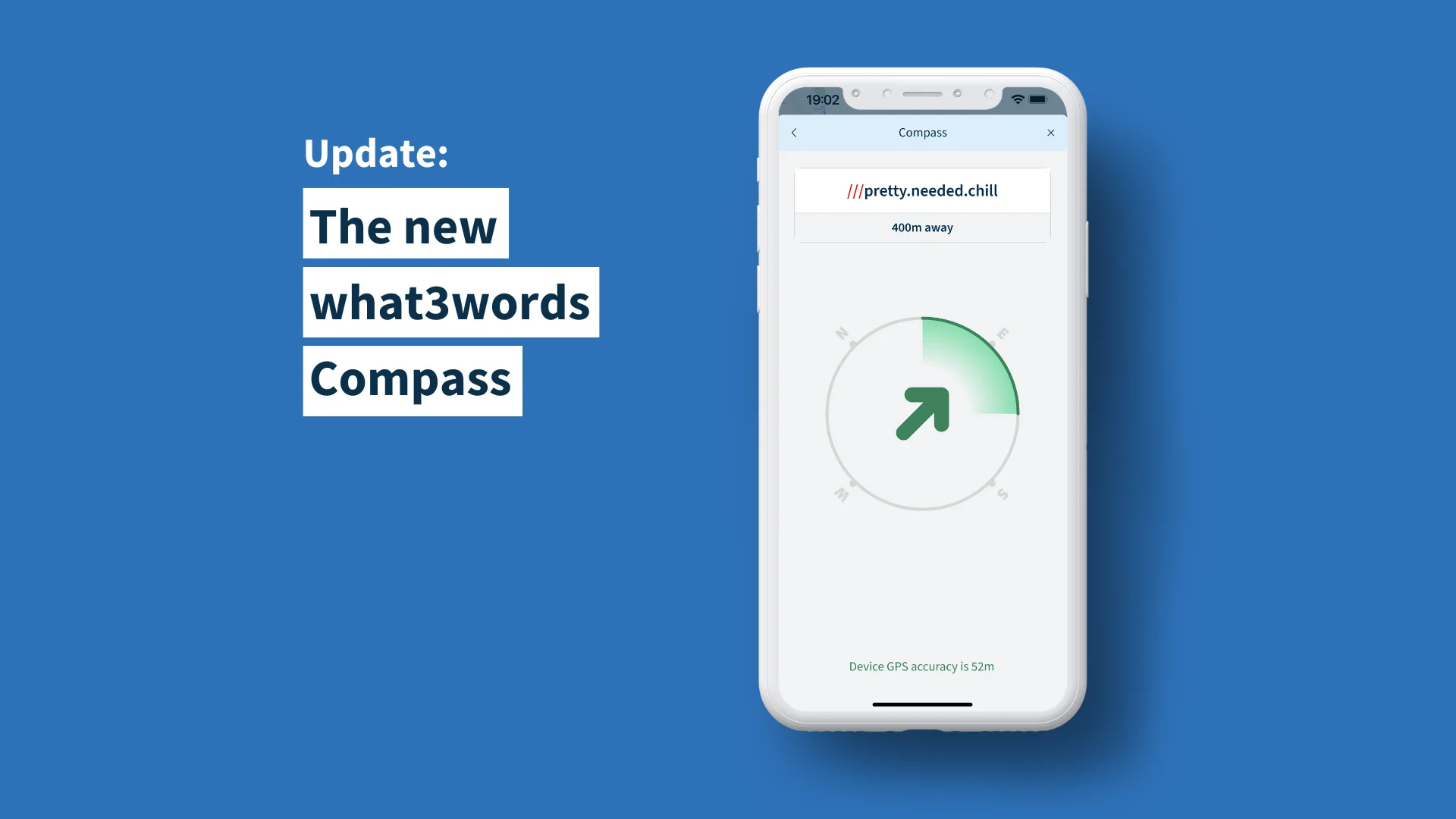
In the latest version of the what3words app, we’ve improved one of the navigation options – the what3words Compass. This feature makes it easy for users to find any what3words address simply by following the arrow.
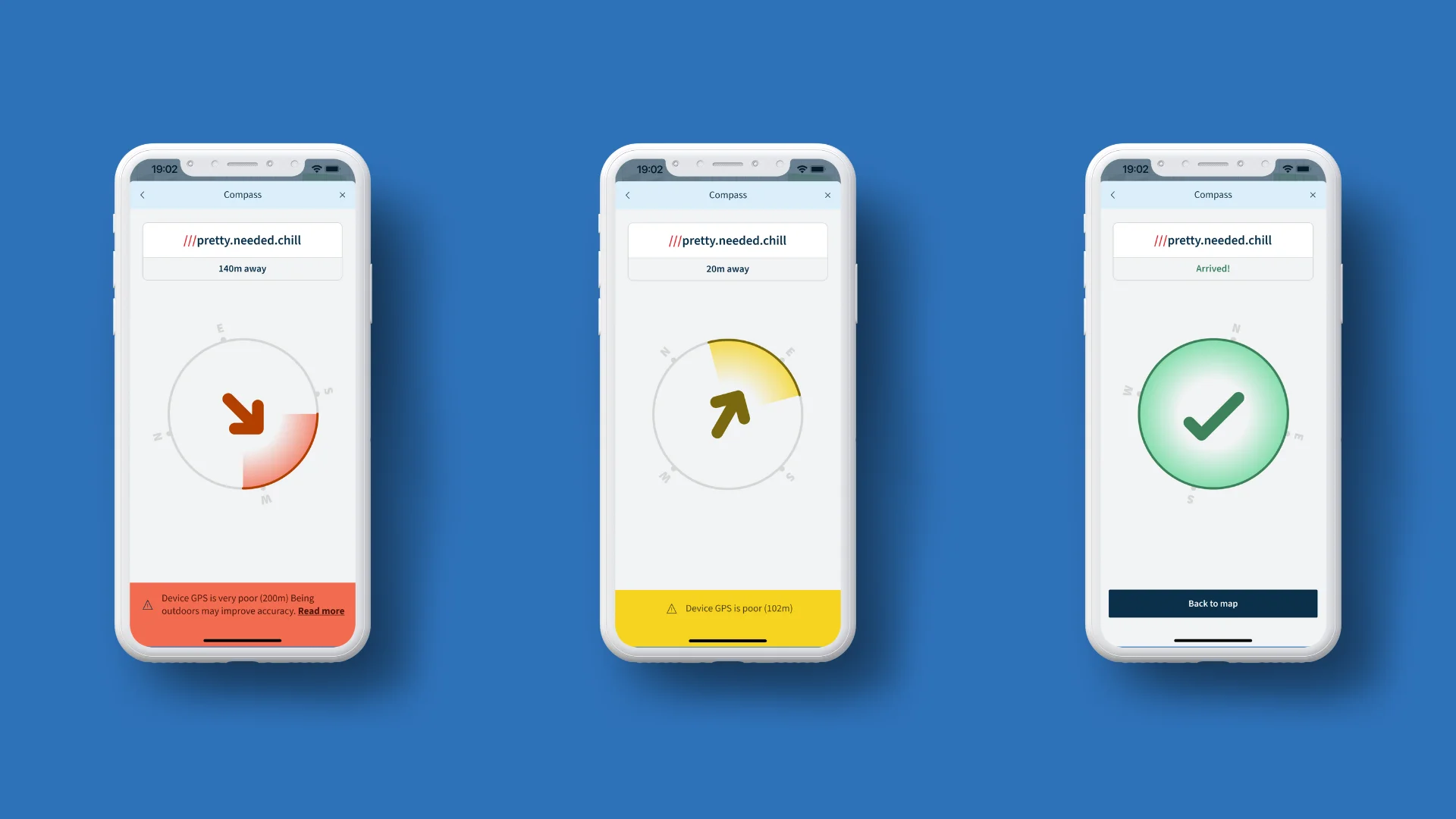
Whether you’re trying to find your tent at a festival or meet up with friends at the beach, the Compass keeps it simple and points you in the right direction of your chosen what3words address. It’s perfect for that last part of your journey and even lets you know when you’ve arrived.
How do I use it?
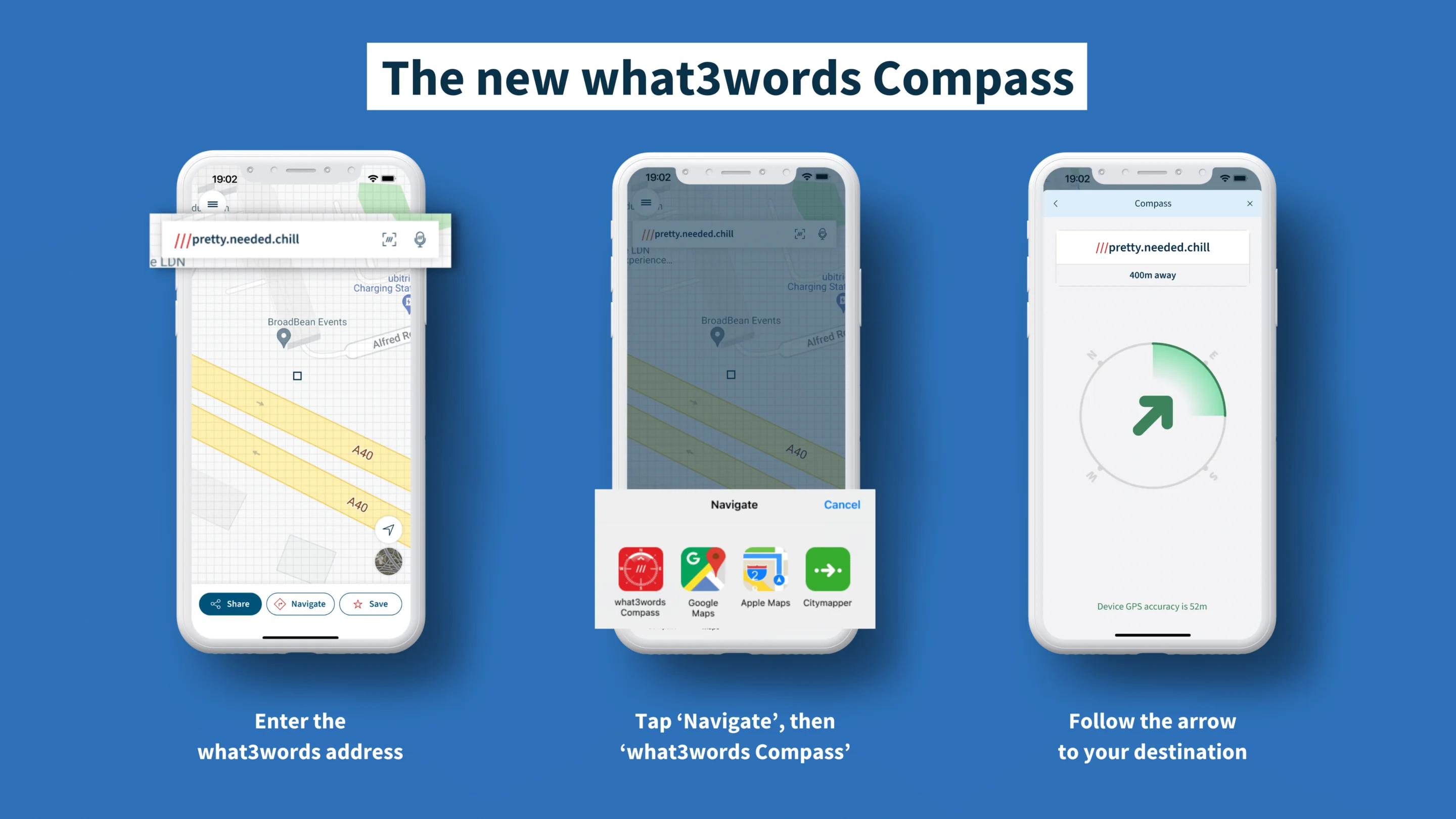
We’ve made the compass as intuitive and simple to use as possible, so it only takes a few steps to use it to navigate.
Step 1: Open the app and enter the what3words address you’re going to.
Step 2: At the bottom of the screen, tap ‘Navigate’ and select ‘what3words Compass’.
Step 3: Follow the direction of the arrow to your destination. The distance from your destination will also be displayed at the top of the screen. The green arrow will turn into a tick once you’ve arrived.
Tip: You’ll be prompted to quickly calibrate your phone before you set off to ensure the Compass is as accurate as possible. You can skip this step by selecting ‘Don’t ask me again’ but we always encourage this step to be done to maximise the chances of an accurate experience, especially on older devices.
What else does it do?
GPS accuracy indicator