Product update: The new what3words Wear OS app
Luke Mears, Group Product Manager at what3words, announces the all-new Wear OS app that makes it even easier for Android users to find, save and navigate to precise locations.
What’s new?
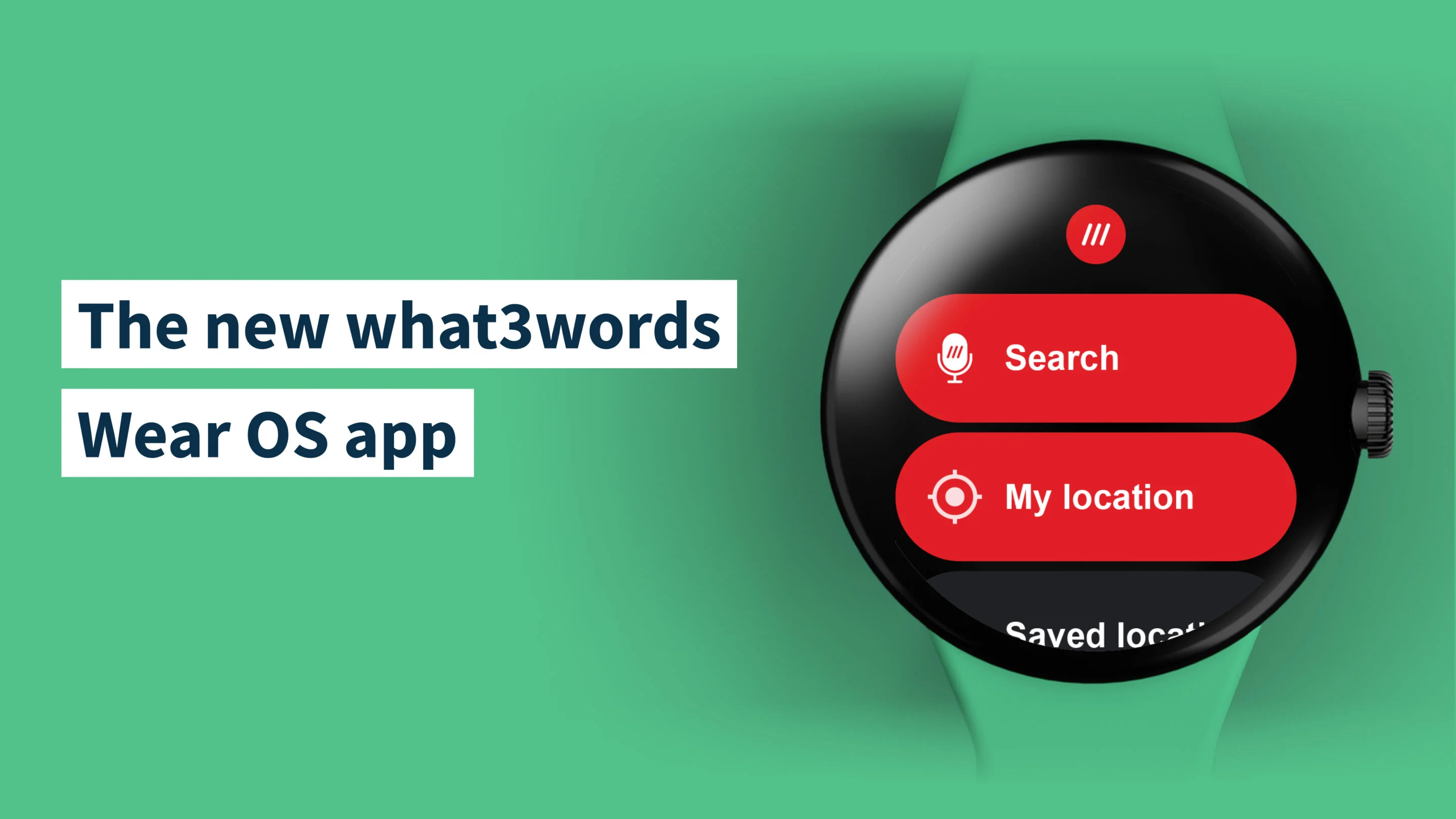
We’re introducing the all-new what3words app for Wear OS. Android users can now access the app on the go, straight from their watch. We’ve already launched our updated WatchOS app for the Apple watch – learn more about it here.
Here’s what the WearOS app does and how you can start using it today:
Access your saved locations
Save new what3words addresses
Navigate using Compass Mode
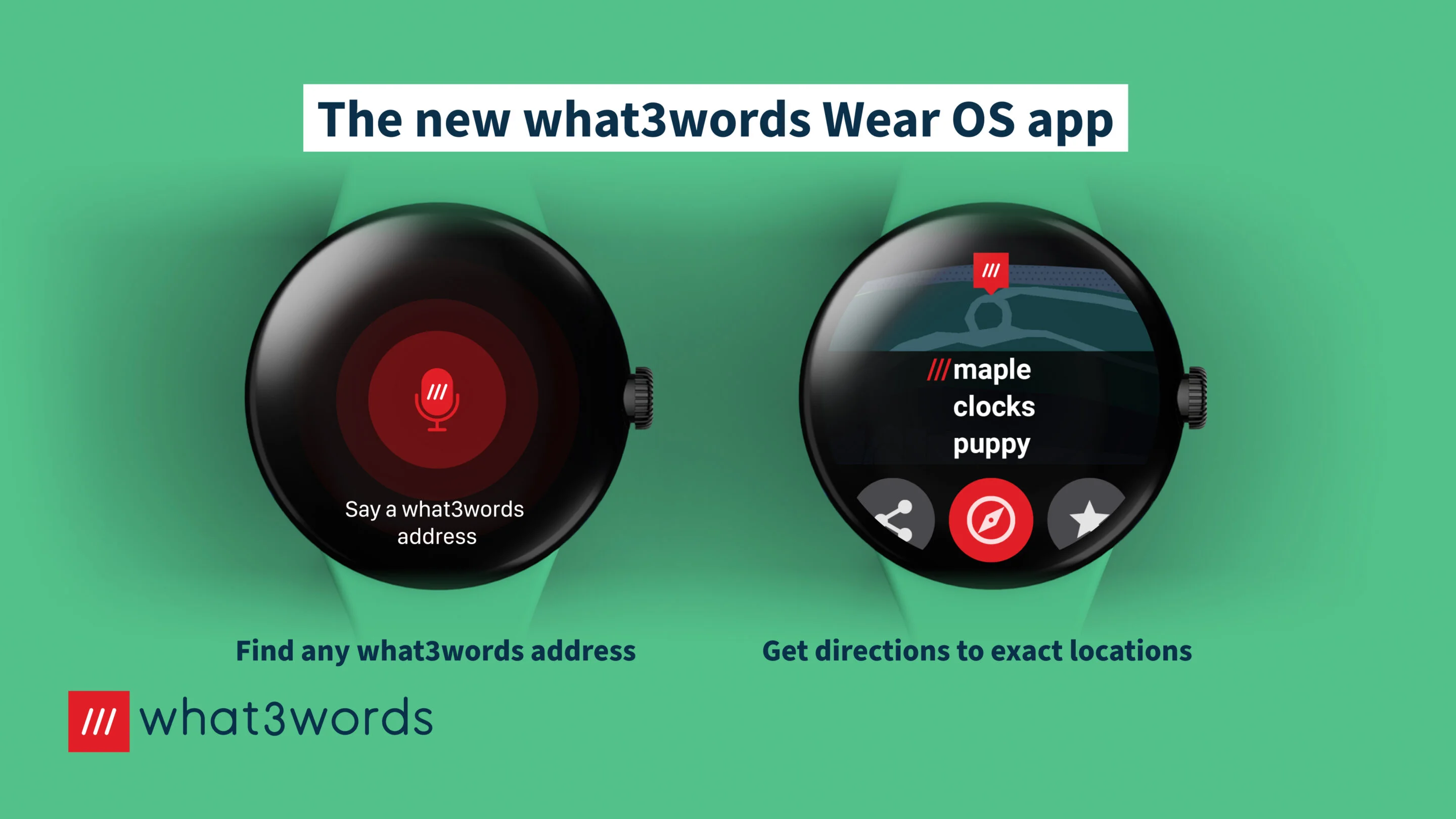
Get directions to any what3words location by using Compass Mode. Simply tap the compass icon underneath the what3words address and follow the arrow. It’s perfect for locations that are within walking distance.
If you prefer to use Google Maps or your destination is a little further away, scroll down and select your mode of transport and you’ll get directions using the Google Maps app.
Search using voice
View your current what3words location
Tap ‘My location’ to view the what3words address of your current location. You can also save a current location, so you can find it easily another time.
The GPS accuracy of your location will be briefly displayed on your watch. This is to give you confidence in the location shown and display a warning message when the GPS accuracy changes dramatically.