What to do with a spreadsheet full of coordinates in different formats


Location data often gets passed around in spreadsheets. One file might include planned site visits, asset records, contractor updates or GPS points collected in the field. By the time it reaches the person who needs to use it, the coordinates may not all be in the same format. For example:
- one column might contain latitude and longitude
- another list might use OS Grid References
- a contractor might send UTM coordinates
- a report might include degrees, minutes and seconds
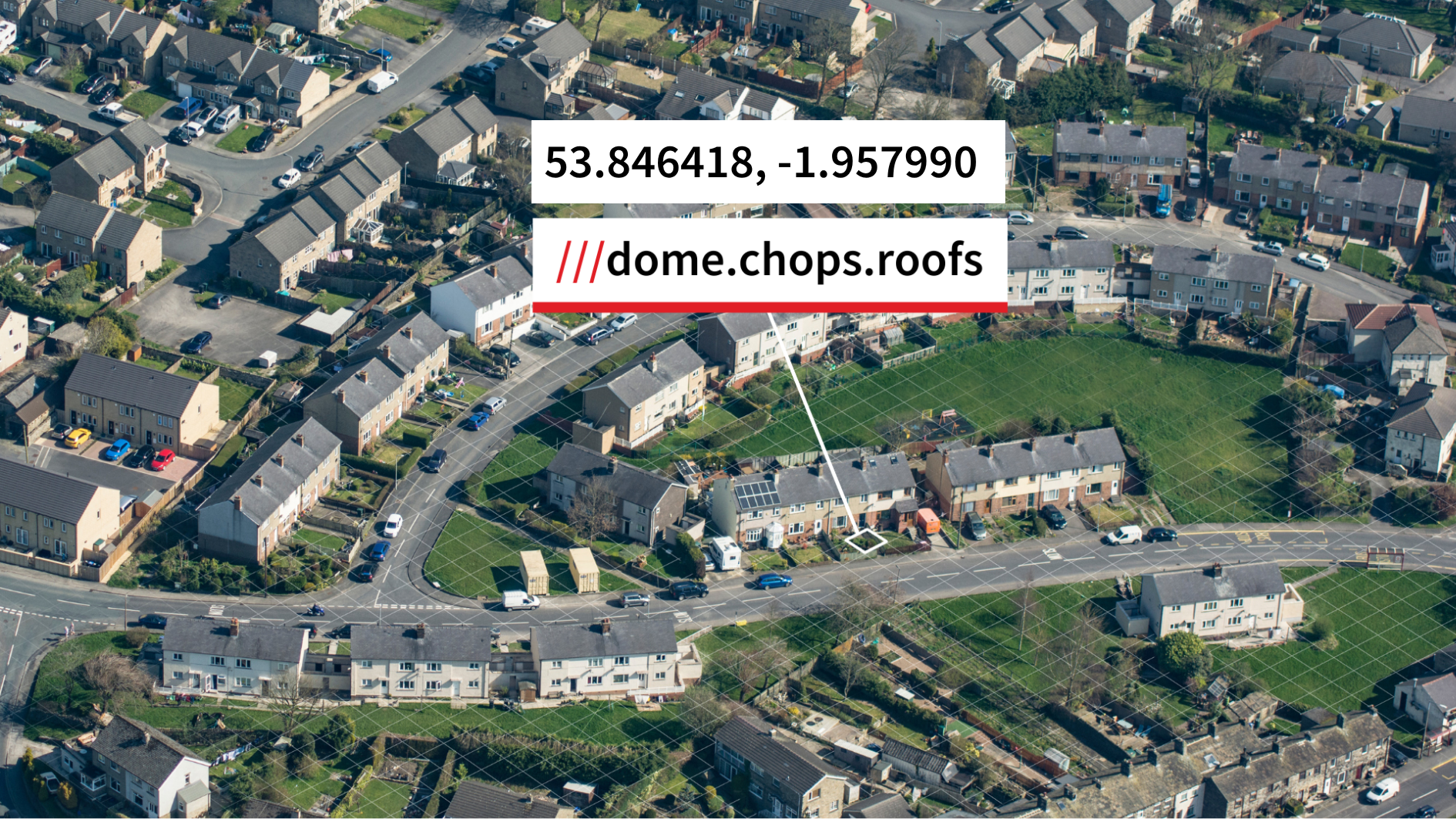
- a team might need what3words addresses for easier location sharing
Before the data can be used, it often needs to be converted into one consistent format.
That is where batch coordinate conversion can help.
Instead of checking each row manually, you can use the what3words Coordinate Converter to convert a list of coordinates in one go. Paste the coordinates from your spreadsheet, choose the format they are currently in, then select the format you need next.
That might mean turning OS Grid References into WGS 84 latitude and longitude for a mapping platform, converting UTM coordinates into a more familiar GPS format, or adding what3words addresses to a list so the locations are easier to share with people outside a technical team.
The converter supports single and batch conversion, with up to 100 coordinates at a time.
Before you convert a coordinate spreadsheet
A few quick checks can make batch conversion easier:
- make sure every row uses the same input format
- remove extra notes or symbols from the coordinate column
- keep a copy of the original spreadsheet
- decide which output format the next tool or team needs
- check a sample result before using the full list
Small checks like these can prevent avoidable errors, especially when a spreadsheet has been passed between teams or copied from different sources.