Help InPost find your front door with what3words
If delivery drivers struggle to find your home, you can now give InPost a precise location for your front door.
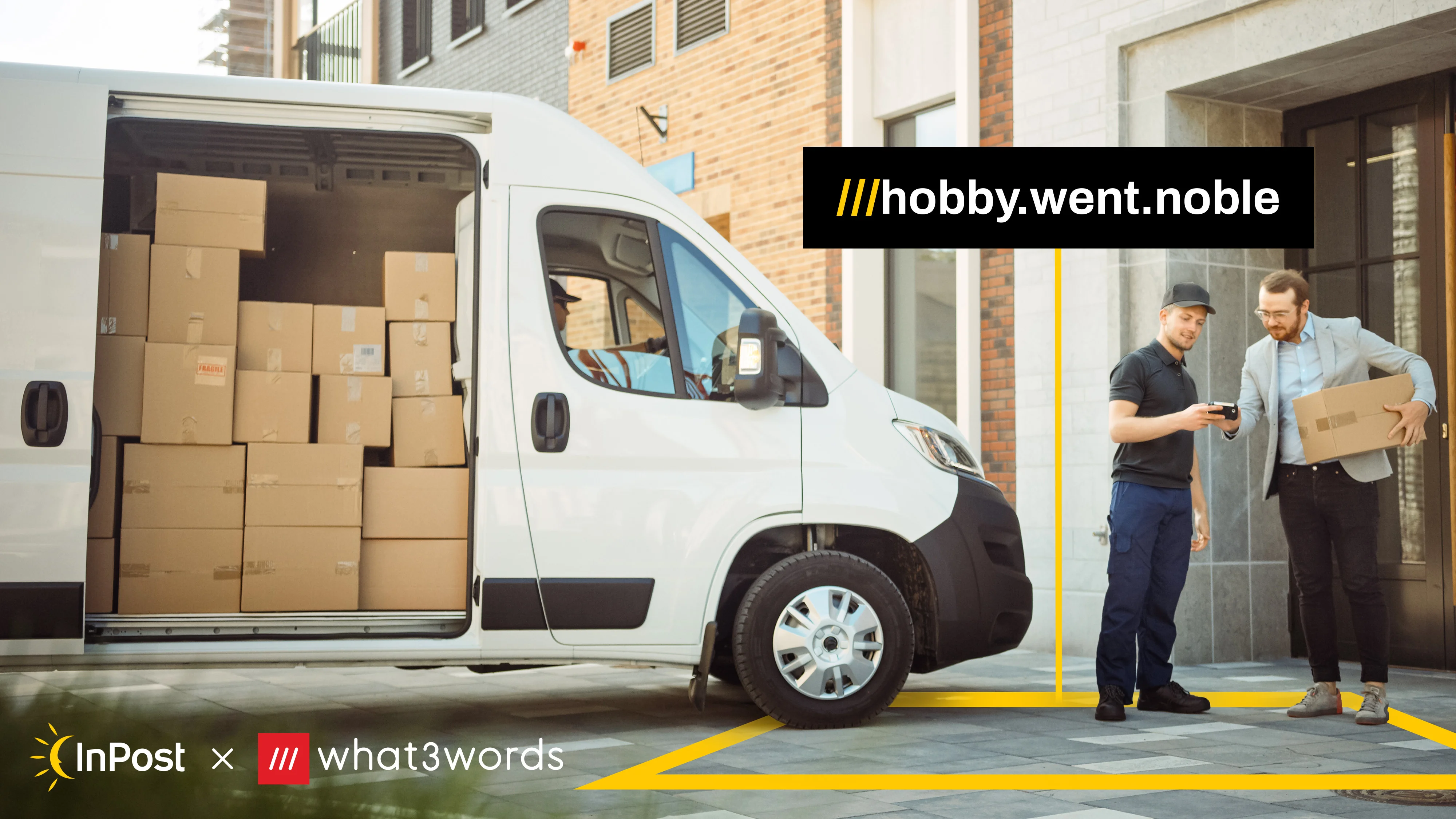
Three words for your front door
what3words has divided the world into 3 metre squares and given each one a unique combination of three words. That means you can identify the exact location of your front door, side gate or back entrance and share its what3words address with someone coming to visit or make a delivery.
It’s particularly helpful in urban areas where a large apartment complex has entrances on two different streets. For a rural home, it can give more detailed location information than a postcode.
How to add what3words to InPost
You can find your front door’s what3words address on our free online map, then copy it into the InPost app:
- Go to what3words.com and search for your street address.
- Zoom in and select the square at your front door, on the property your parcel is addressed to. Satellite view can help you identify the right spot.
- Copy the what3words address for that square.
- Open the InPost app and go to Delivery Preferences.
- Paste your address into the what3words field and save it.
As InPost’s guidance explains, the square you choose must be on your own property. Use it to show your driver the precise arrival point at your delivery address.
InPost saves your delivery preferences for future eligible deliveries, and you can update them in the app whenever you need to. You’ll find more details in InPost’s guide to delivery preferences.