WHAT3WORDS FOR WHATSAPP
Your AI location assistant inside WhatsApp

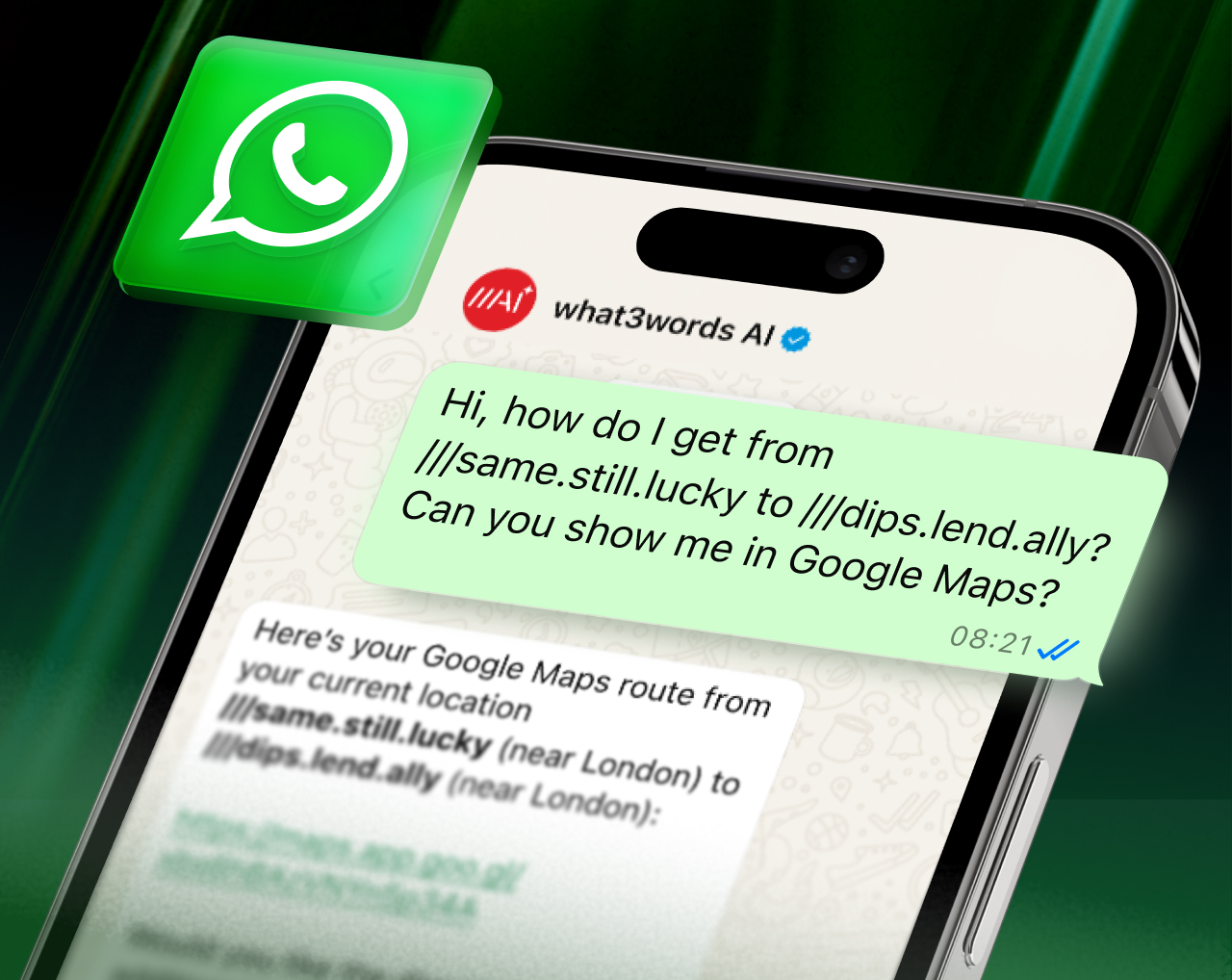
what3words AI is a handy assistant inside WhatsApp, ready to help with queries and tasks using what3words addresses. And when you receive messages with precise locations, simply forward them to what3words AI to save them, plan routes, book rides and more – all without switching apps.
Pro members, connect your WhatsApp to get started. Not a member yet? Try Pro for free for 7 days .
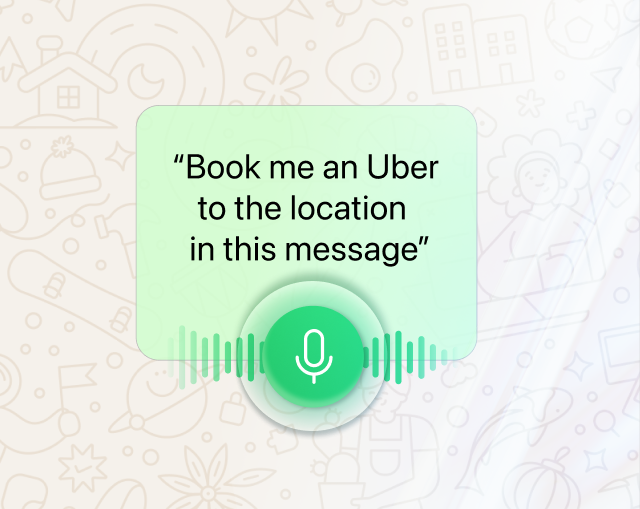
what3words AI understands voice notes – tap the mic and speak your question or command. You can also forward voice notes from others to extract spoken what3words locations.
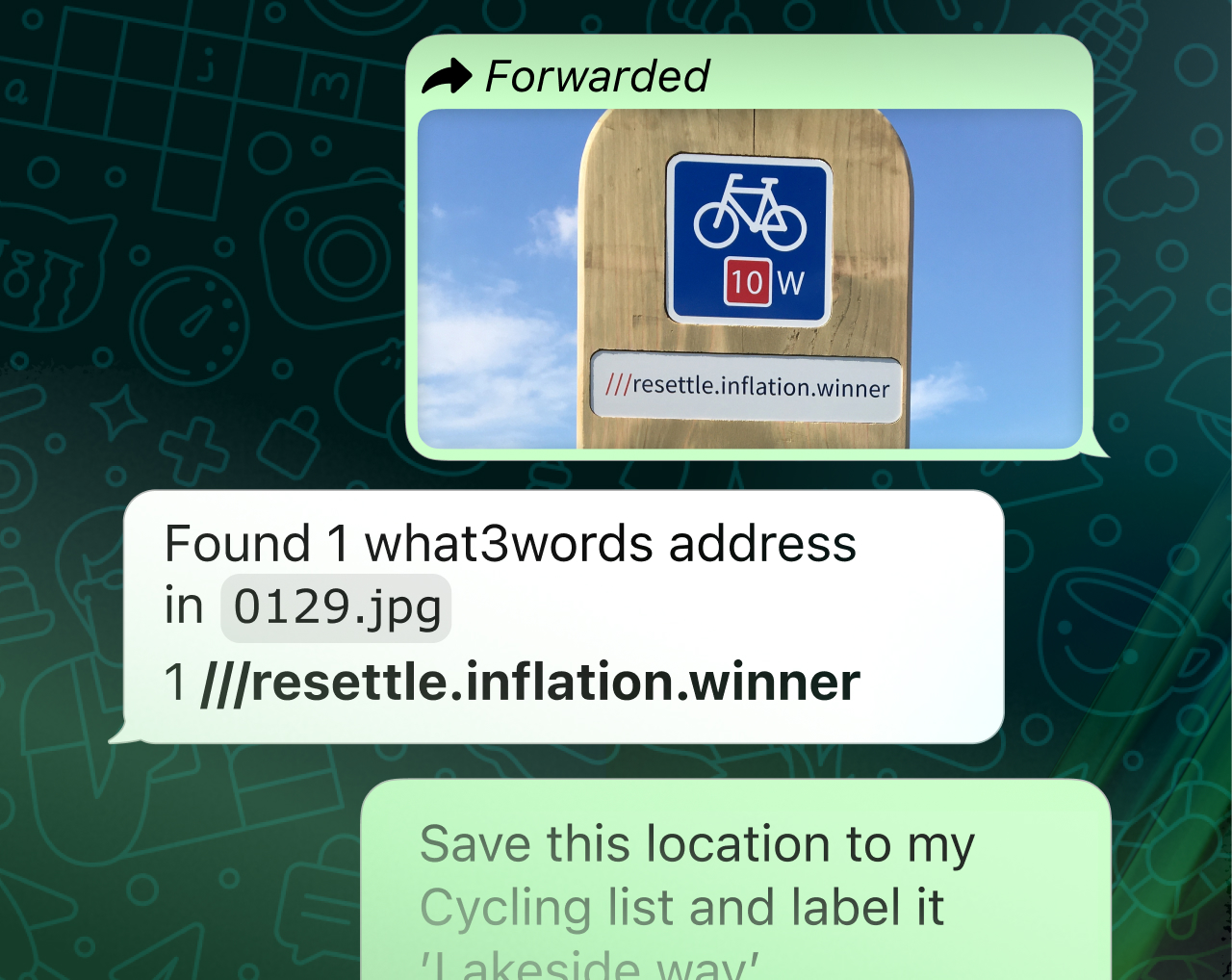
Forward images and files containing precise locations to what3words AI, then use text or voice to say what you’d like do with them.
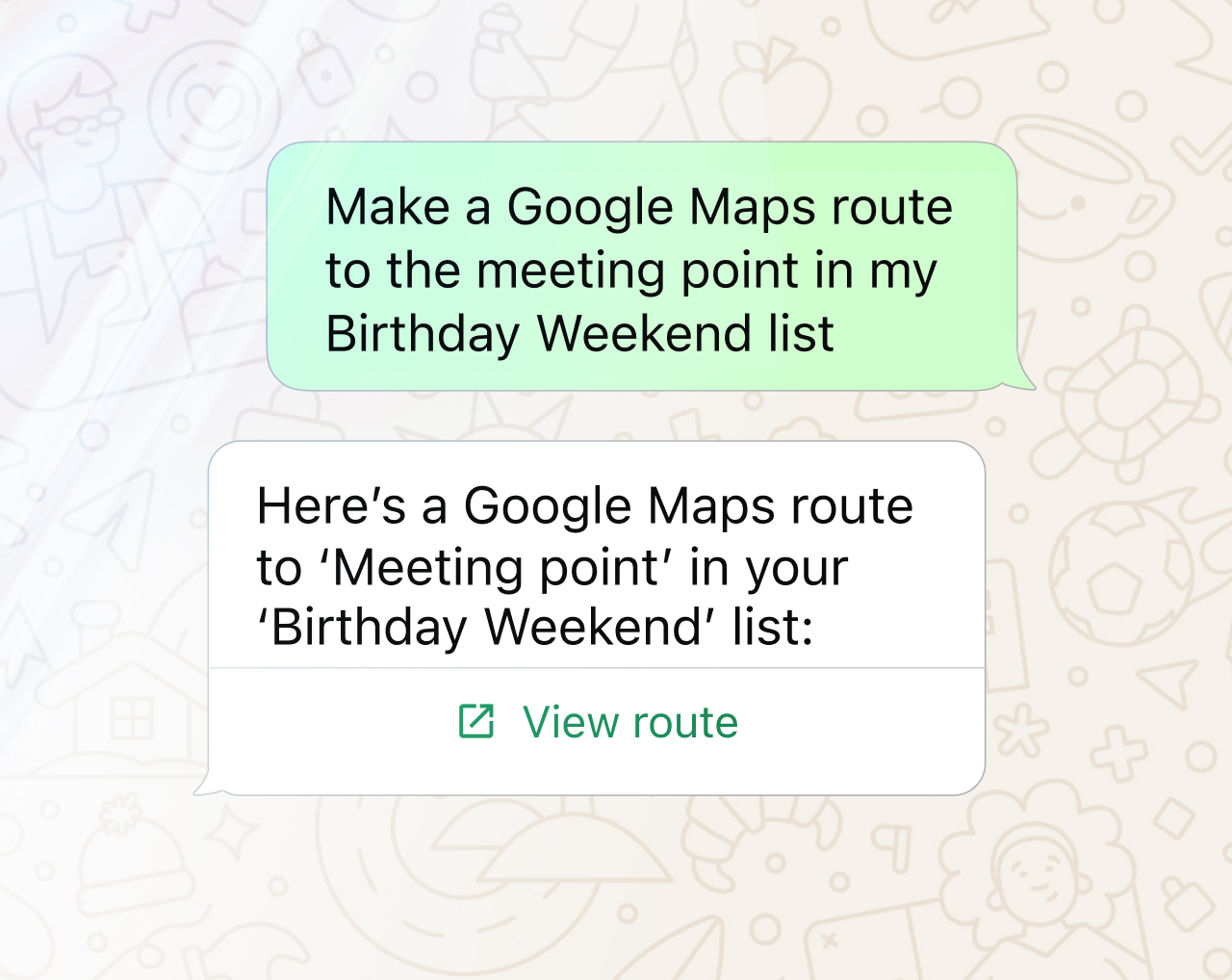
Access locations you’ve previously saved in what3words, simply by referring to them in WhatsApp! You can also add to and edit your saved locations.
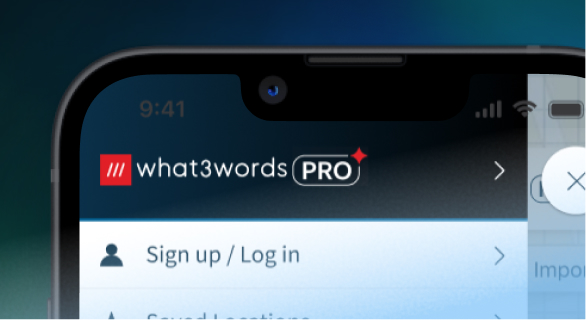
1. Sign up for what3words Pro
Get what3words for WhatsApp & many other useful features when you join Pro .
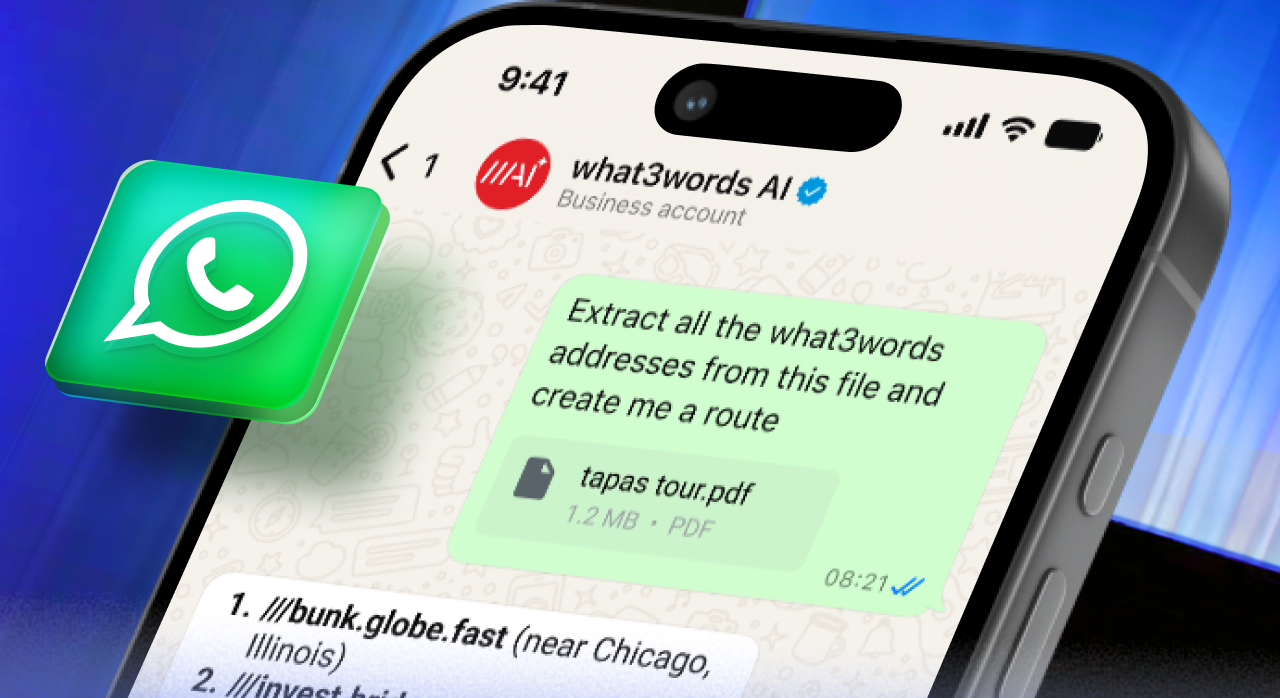
2. Go to Connected platforms
Open the what3words app menu and tap ‘Connected platforms’.
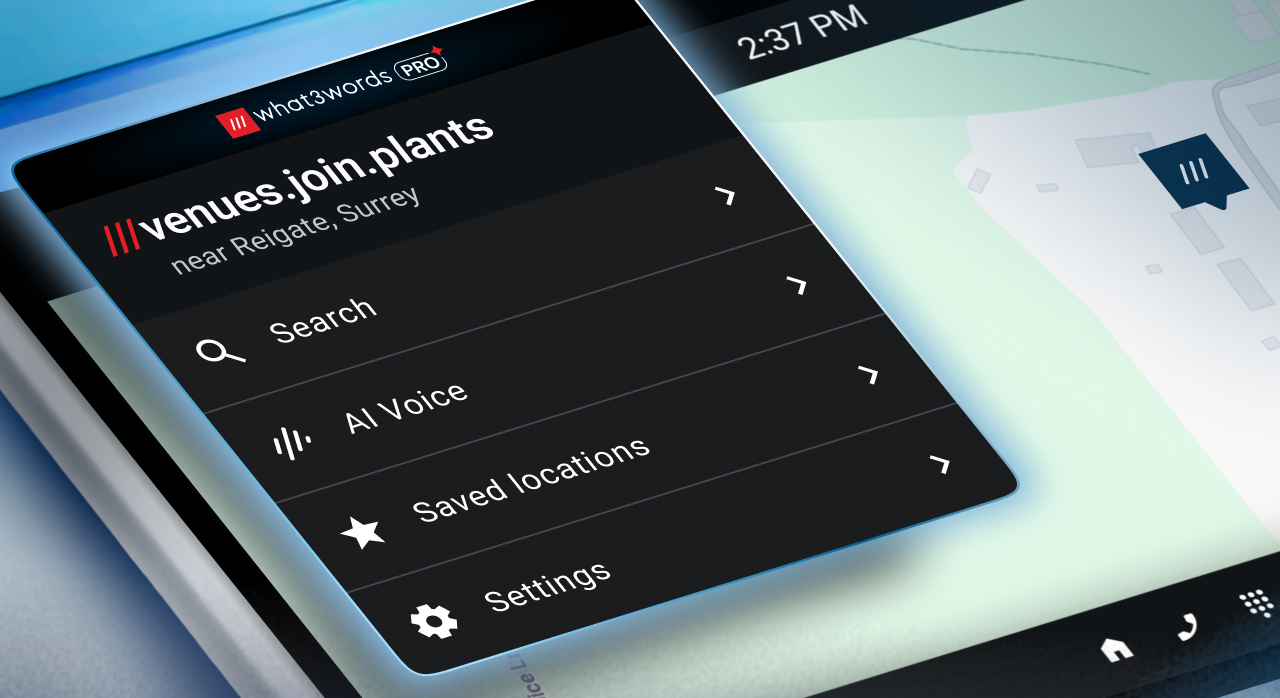
3. Connect your WhatsApp number
Follow the steps to link your WhatsApp to your what3words account.

Your 7 day free trial is waiting
what3words for WhatsApp is available in the following languages, with more currently in development:
You can send files, images and voice notes to what3words AI in WhatsApp to extract any included what3words addresses.
Supported file types are CSV, PNG, JPEG and PDF. The maximum file size is 50MB for images, and 32MB for other files.
For voice notes, the maximum file size is 10MB, and the maximum duration is 60 seconds
Yes, you can connect multiple WhatsApp numbers to a single Pro account (for example, you may have a personal and a work WhatsApp number).