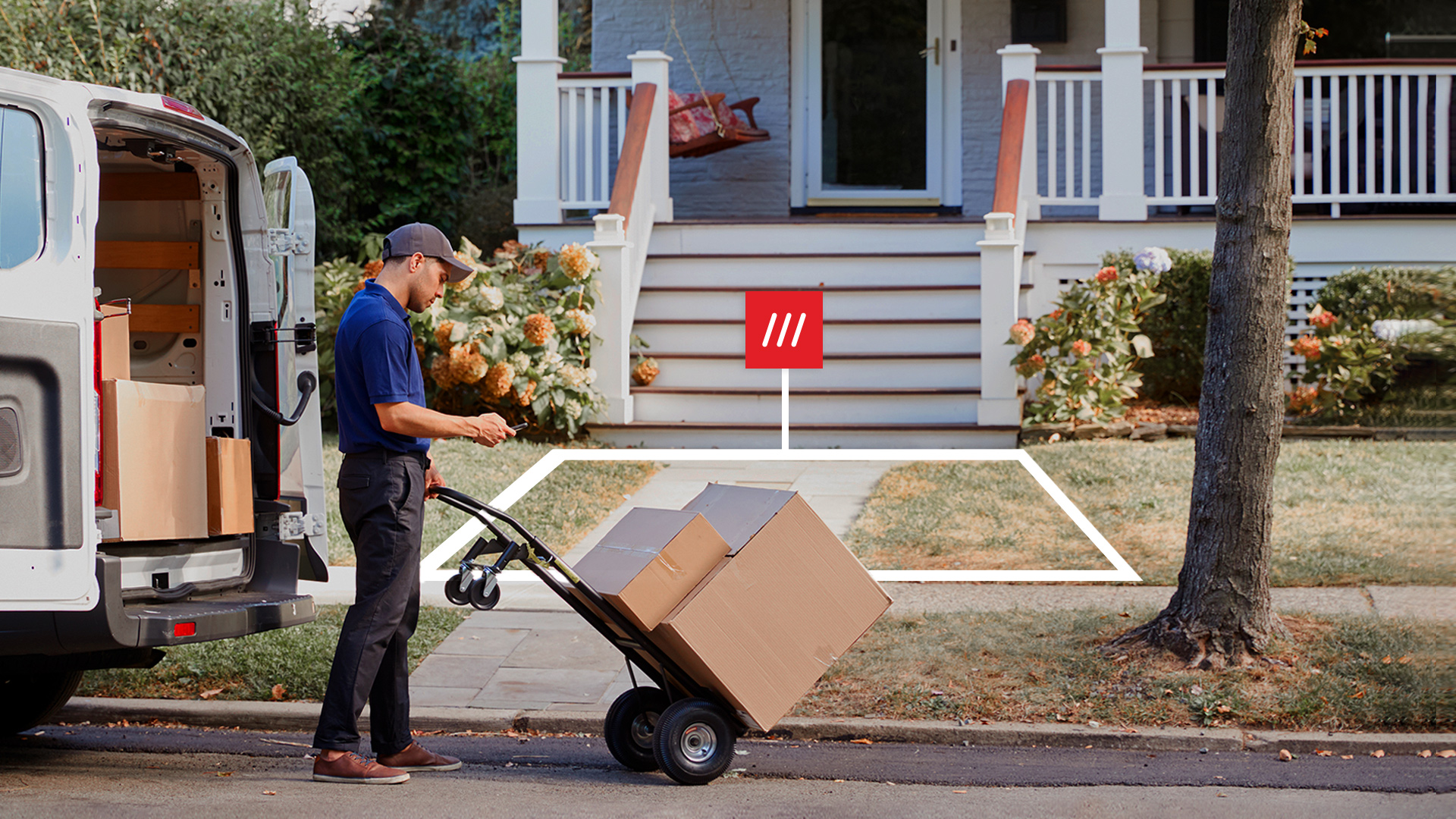
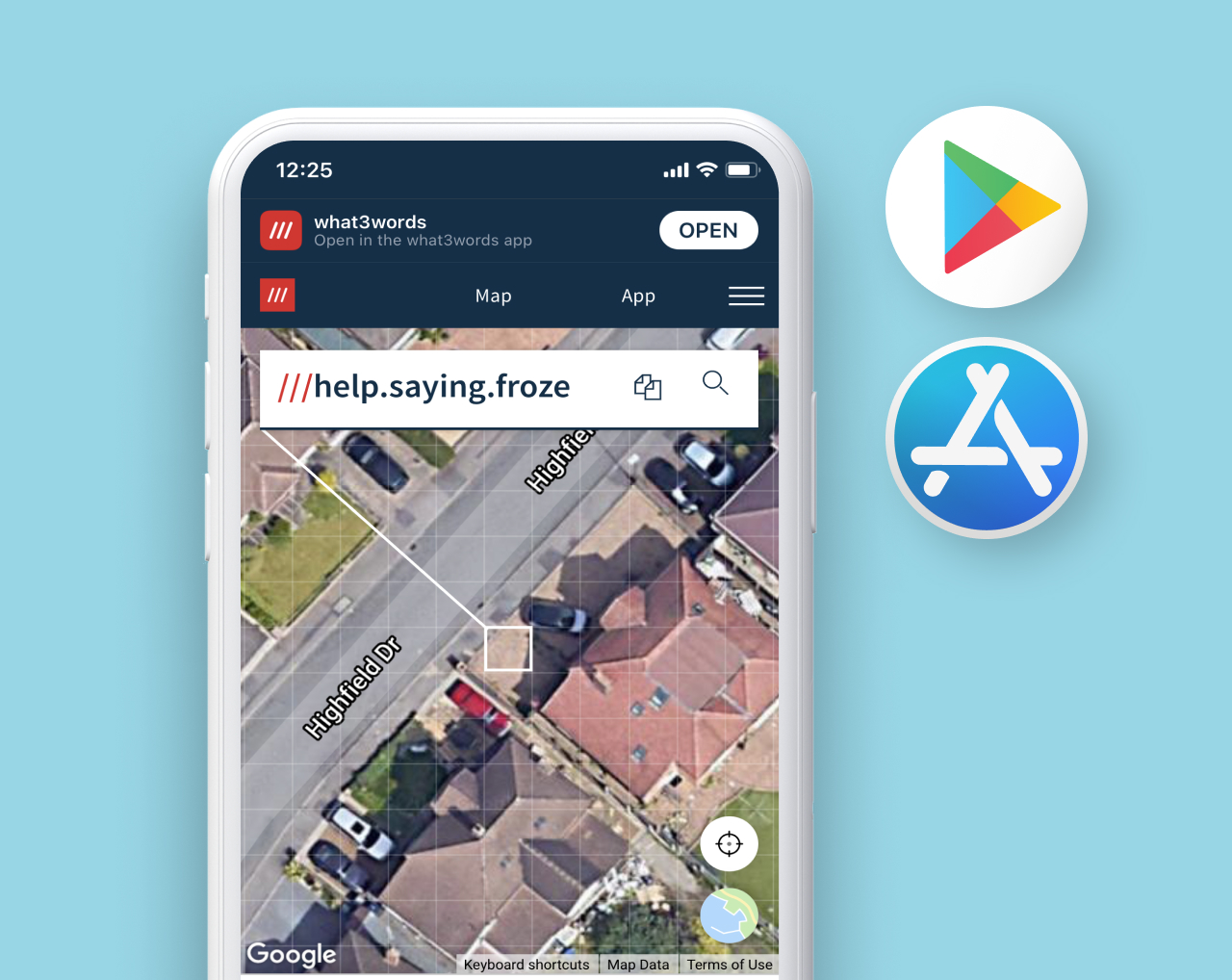
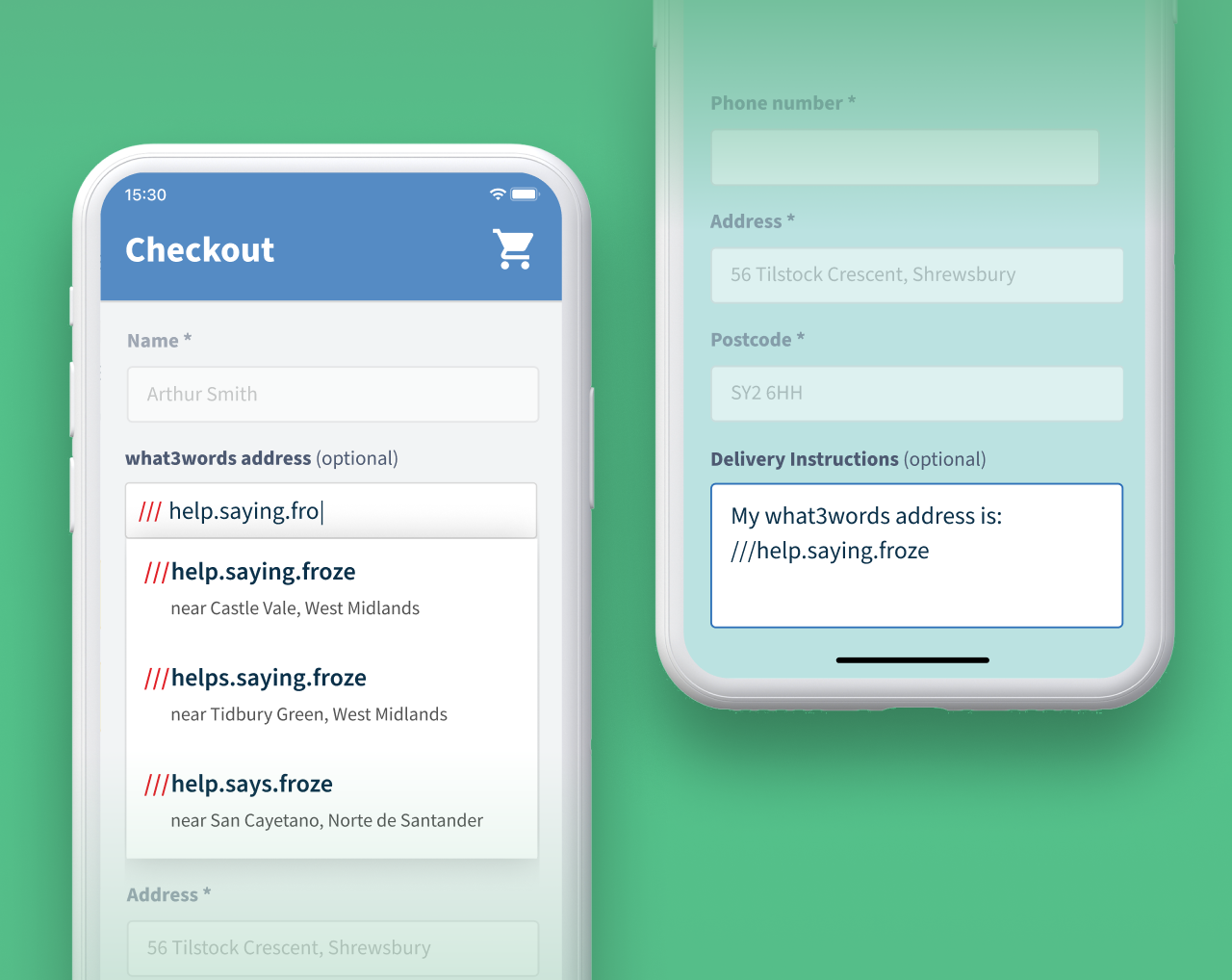
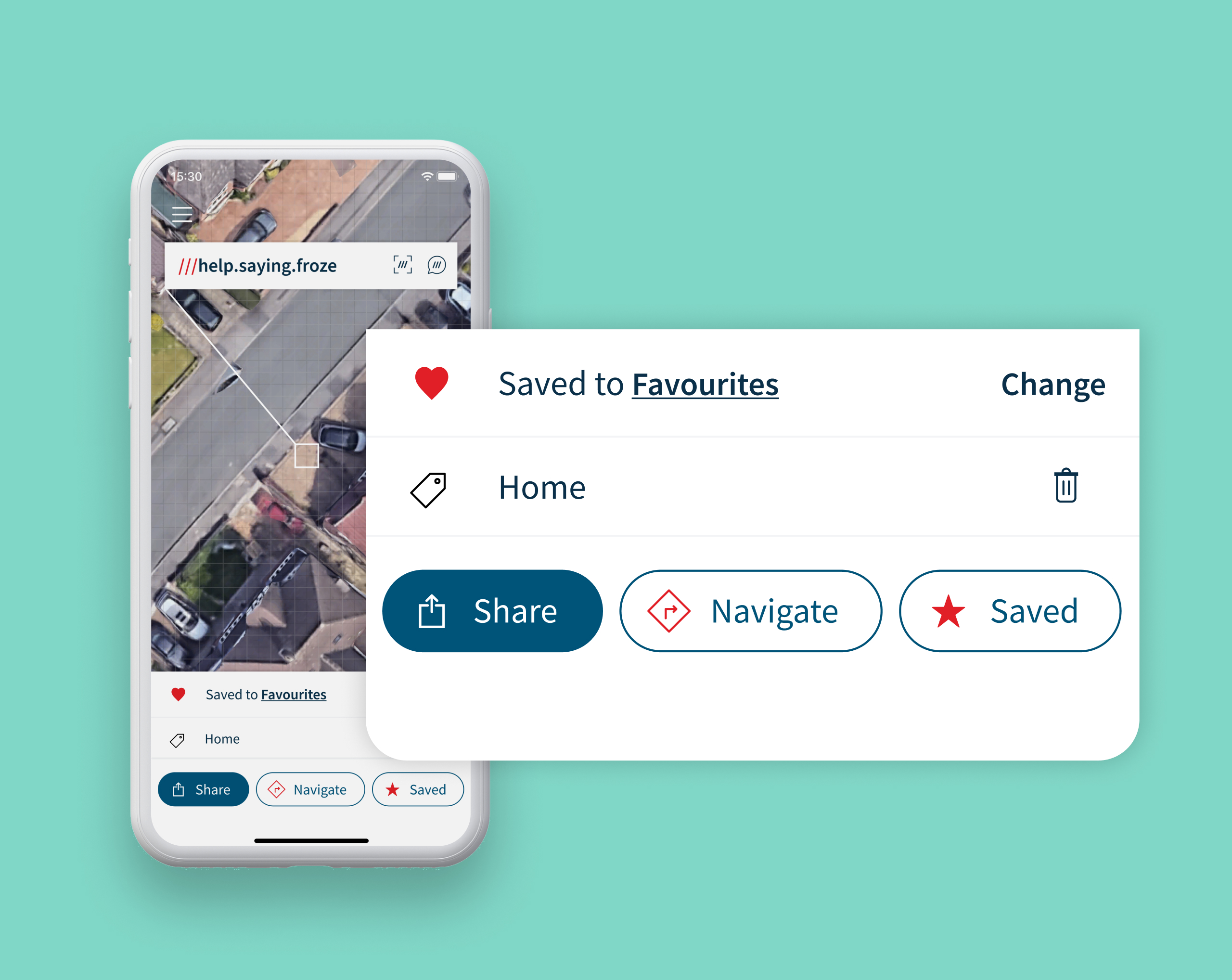
Around 75% of the world suffers from inconsistent, complicated, poor or no addressing systems. In total 4 billion people around the world don’t have an address. But even in the countries in the world where addressing works okay, it’s far from perfect. For example: there are eight different Lonsdale Roads around London, a lot of houses don’t have numbers, an address can’t tell you the correct entrance to a large building, and in unfamiliar countries the addressing can be difficult to understand. what3words is perfect for these situations, and for the frequent moments when you need to talk about somewhere that doesn’t actually have a street address.