Introducing the what3words API v3
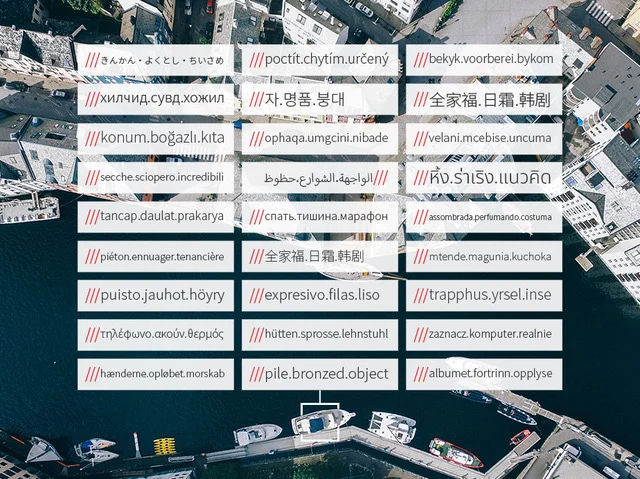
The what3words API is an easy way to enable a website or mobile app to display or accept 3 word addresses. To make it easier to integrate, we’ve been working hard on a new, upgraded version. We’ve built a simpler interface and added powerful new features to ensure a better user experience and accurate 3 word address entry.
With the release of what3words API v3 it’s now easier than ever to create an API key and start making calls to our API to see what it can do.
What’s new?
1. GPS coordinates ←→ 3 word address
We previously referred to the process of converting GPS coordinates to a 3 word address as reverse geocoding and converting a 3 word address to GPS coordinates as forward geocoding. While this may be intuitive to those with an understanding of geocoding, we’ve changed this terminology so that our API functions are clear to all developers.
Old Terminology
New Terminology
Forward geocoding
Convert-to-coordinates
Reverse geocoding
Convert-to-3wa
Previously, what3words API simply returned GPS coordinates during a ‘convert-to-coordinates’ API call. Now, apps, websites and platforms can offer more location context users. what3words API v3 incorporates the country code and region of a 3 word address into its response.
2. Simplified and enhanced AutoSuggest
what3words AutoSuggest prompts users with intelligent 3 word address suggestions for a full or partial 3 word address search input.
In what3words API v2, we had different endpoints – one for AutoSuggest, voice AutoSuggest and StandardBlend.
For the what3words API v3, we merged these three endpoints into one AutoSuggest function, which now has the cumulative functionality of all three.
Old Endpoint
New Endpoints
Autosuggest
Autosuggest
Voice autosuggest
StandardBlend
3. New: Clipping by country or polygon
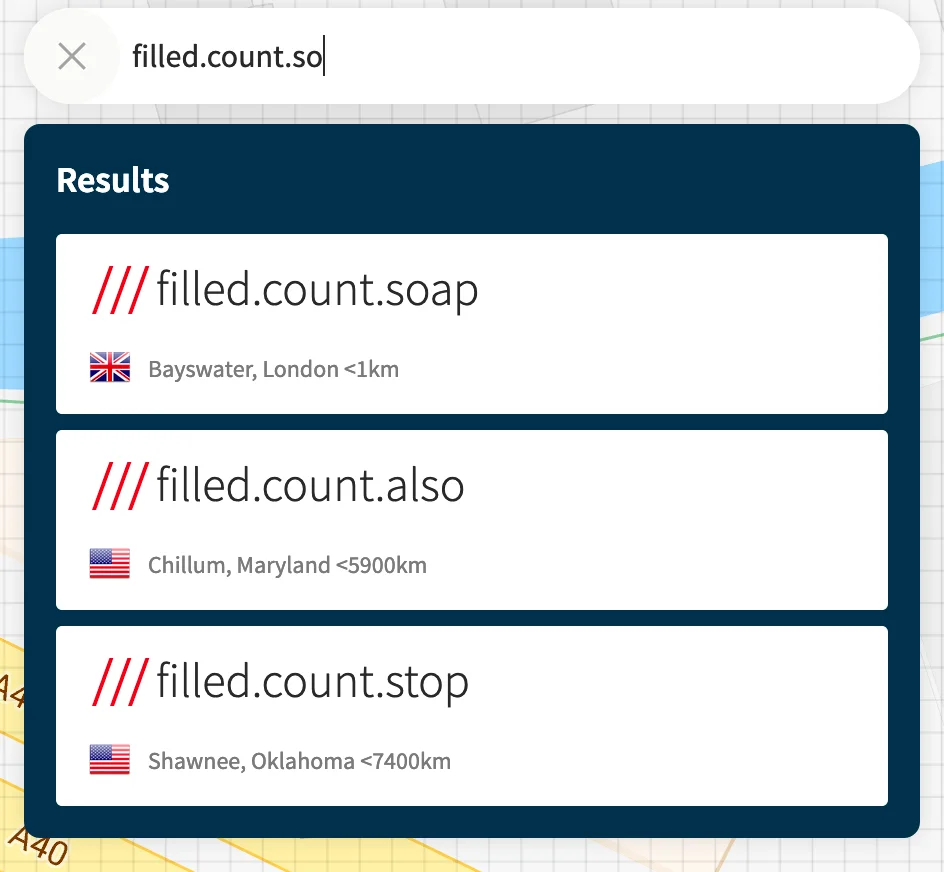
One key benefit of what3words is that similar 3 word addresses are located as far apart as possible. This means that you can make AutoSuggest results more accurate and relevant to each user. For example, when a customer specifies a delivery country on a checkout page, AutoSuggest results can be configured to only prompt the user with 3 word addresses within their country.
With the what3words API v3 you can now clip to a country (or multiple countries) by specifying county code(s) or to a polygon by including the polygon coordinates with the request. The existing radius and bounding box clipping can also be used to restrict results.
Methods of geographical clipping with what3words API v3:
- Country clipping
- Polygon clipping
- Radius clipping
- Bounding box clipping
4. Error handling
5. Wrappers and migration docs
Get started
All API keys created for API V2 can automatically make requests to API v3.