Why film crews use what3words — and how to get more from it with Pro


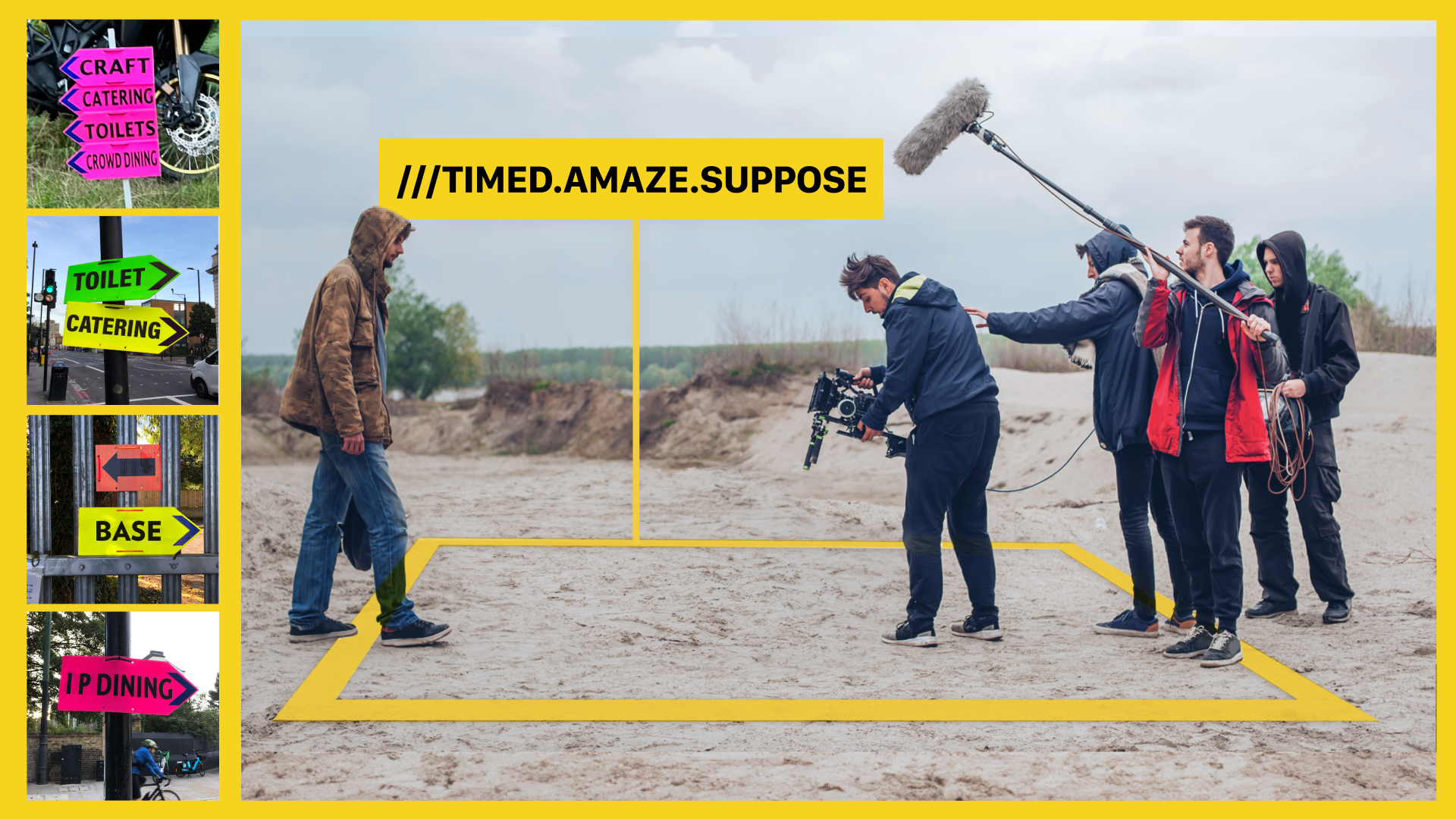
On a film shoot, location is never just the backdrop. It affects access, timing, parking, call sheets, crew movements and how smoothly the day runs. That is why so many production teams already use what3words, and why what3words Pro is a game changer.
Anyone who works in film knows location is never just background. It shapes the scene, sets the tone and, just as importantly, keeps a production moving.
what3words
recently explored this with Steve Mortimore
, who is a London-based Supervising Location Manager and Scout whose work spans feature films, high-end TV, commercials and events. As Steve puts it, location managers are involved from “right from the beginning, right to the end of it”, and location work touches every department on a shoot.
At what3words, we know location matters. That’s why
we created our own award for ‘Best Use of Location’
when this was missing from the major academy awards, including the Oscars. That is also why what3words is already part of so many film crews’ toolkits.
If you already use what3words on set, this is the practical bit: how to use it even better with what3words Pro.
Why do film crews use what3words?
Because “near enough” is not good enough on a shoot.
Steve put it simply: “I need to get people to an exact point within a couple of feet.” That matters even more when you’re dealing with cast, extras, kit, parking, holding areas and entrances across a busy location.
A postcode and rough description gets people to a general area. A what3words address gets them to the right 3 metre square.
That alone saves time. But on a production, the bigger challenge is often what happens next: how you save locations, share them, label them and get people acting on them quickly.
How can you collect accurate shoot locations?
If you have a multiple what3words locations in a call sheet or localisation list, there are two ways to compile the what3words addresses, and they’re both super easy:
- Import an image, CSV, or PDF file into what3words’ AI chat in the what3words app or website, or in whatsapp (more on that later in this post…)
- Live scan the document in the what3words app
Using either of these methods, the 3 word addresses will be instantly picked out. You can then save these to a list.
A great feature of the what3words AI chat is that it will automatically pull through the labels. You can also ask it to complete location tasks, like making a route between the locations, or giving you a Google Maps link to a specific address.
The best way to save and share what3words addresses for shoot locations in one place
This is where shared lists come in.
Shared list is digital accompaniment to your other location docs. It helps teams pull important locations into one place and share them quickly, so people know where to find key POIs.
For a location manager, assistant director or production coordinator, that could mean one list for:
- unit base
- crew parking
- cast holding
- scene locations
- loading points
- the nearest usable entrance
- catering
- loos
Instead of dropping individual addresses into different threads, you can organise them once and send the team a single list. That cuts down the “where do I go?” messages and makes the call sheet more useful in practice. Everyone on the set, from runners to the actors, will then have the most accurate location data to hand.
You can even go one step further to making sure nobody gets lost on set
A lot of location pain happens at the last 50 metres. what3words can help with that.
Photo mode is an especially useful feature for entrances. A what3words address gets someone to the right square; a photo shows them what they’re actually looking for when they get there.
That could be:
- the side gate instead of the main entrance
- the access point for props or catering
- the right door for talent pickup
- the meeting point in a field, car park or back lot
With Pro, you can add a what3words address to a photo in the app, then share it with the team. For fast-moving shoots, that is much clearer than a text description alone.
How can what3words for WhatsApp help on set?
Since WhatsApp is such a popular tool, connecting it with what3words can be a game changer.
Steve says WhatsApp changed the way his teams work because he can reach the right groups quickly and save time, compared to the masses of phone-calls needed at the start of his career.
With what3words Pro, you can access what3words AI directly inside WhatsApp. That means if someone sends a message, file or voice note with what3words locations, you can forward it to what3words AI and ask it to do something with those addresses, without switching apps.
In practice, that could mean forwarding a call sheet, saving all the locations to a new list, then booking an Uber to the right pickup or set location.
Less copying and pasting. Less app switching. Less room for error.
When is it worth upgrading to what3words Pro?
If your job involves handling lots of locations, lots of people and lots of moving parts, Pro is built for that.
what3words Pro removes friction when planning and coordinating lots of locations with lots of people.
So if you already use what3words on shoots, Pro is the upgrade that helps you use it more effectively:
- save and share key locations faster
- show people exactly where to go
- handle location tasks inside WhatsApp
- keep production moving with less admin
Location already matters. This just helps you work with it like a Pro.