Plan routes with what3words AI
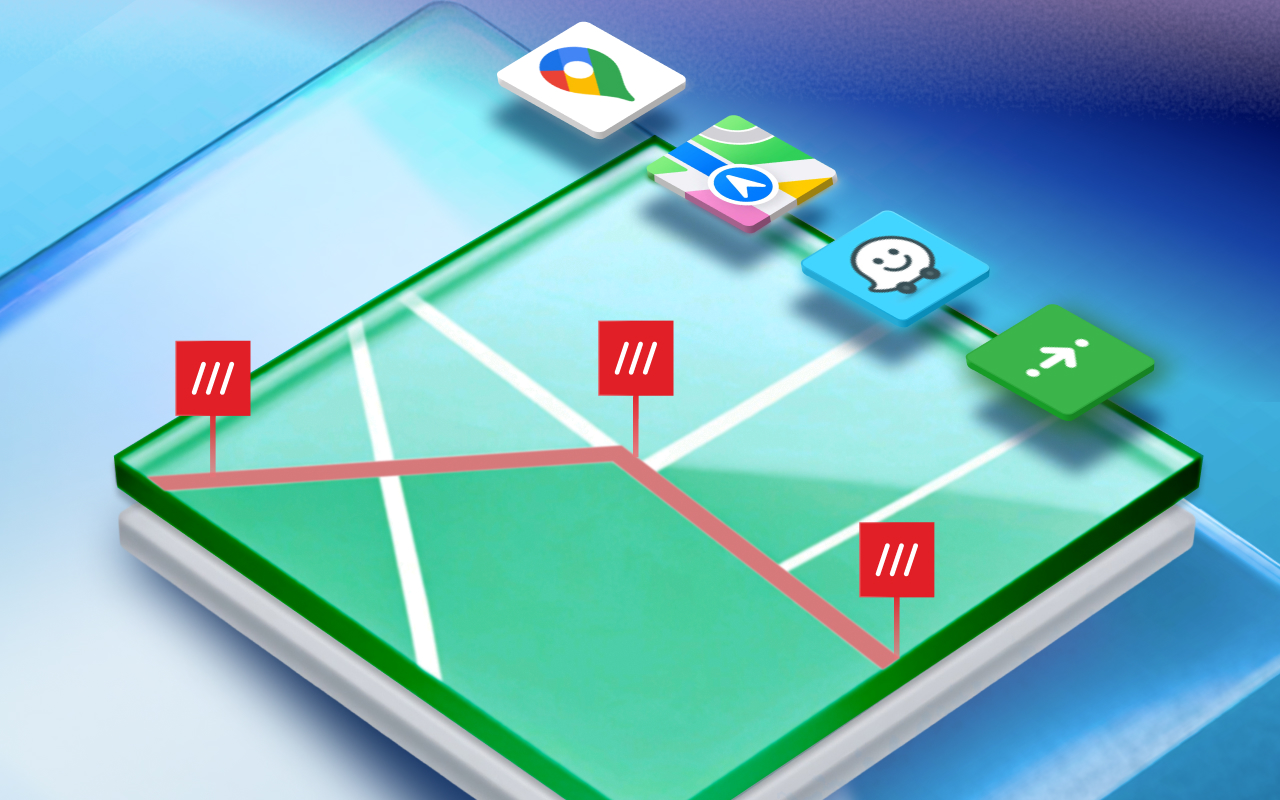
Quickly create a route to a precise what3words address via Apple Maps, Waze, Citymapper, Uber and more, plus make multi-point Google Maps routes.

Unlock powerful AI tools and enhanced features that make it fast and effortless to use what3words locations.
Plan routes with what3words AI
Quickly create a route to a precise what3words address via Apple Maps, Waze, Citymapper, Uber and more, plus make multi-point Google Maps routes.
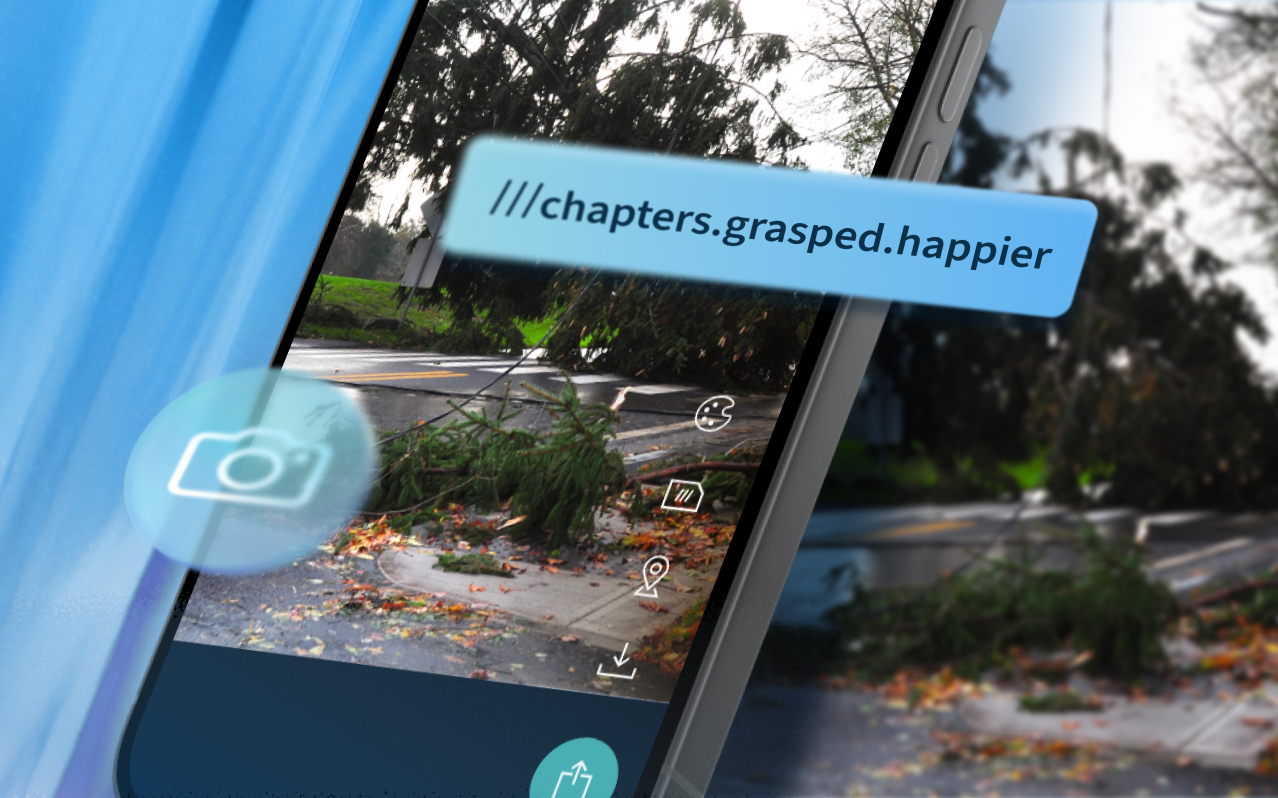
Record the precise location with Photo mode
Add what3words addresses to images so you can save exactly where a photo was taken – useful for travel finds and work locations.
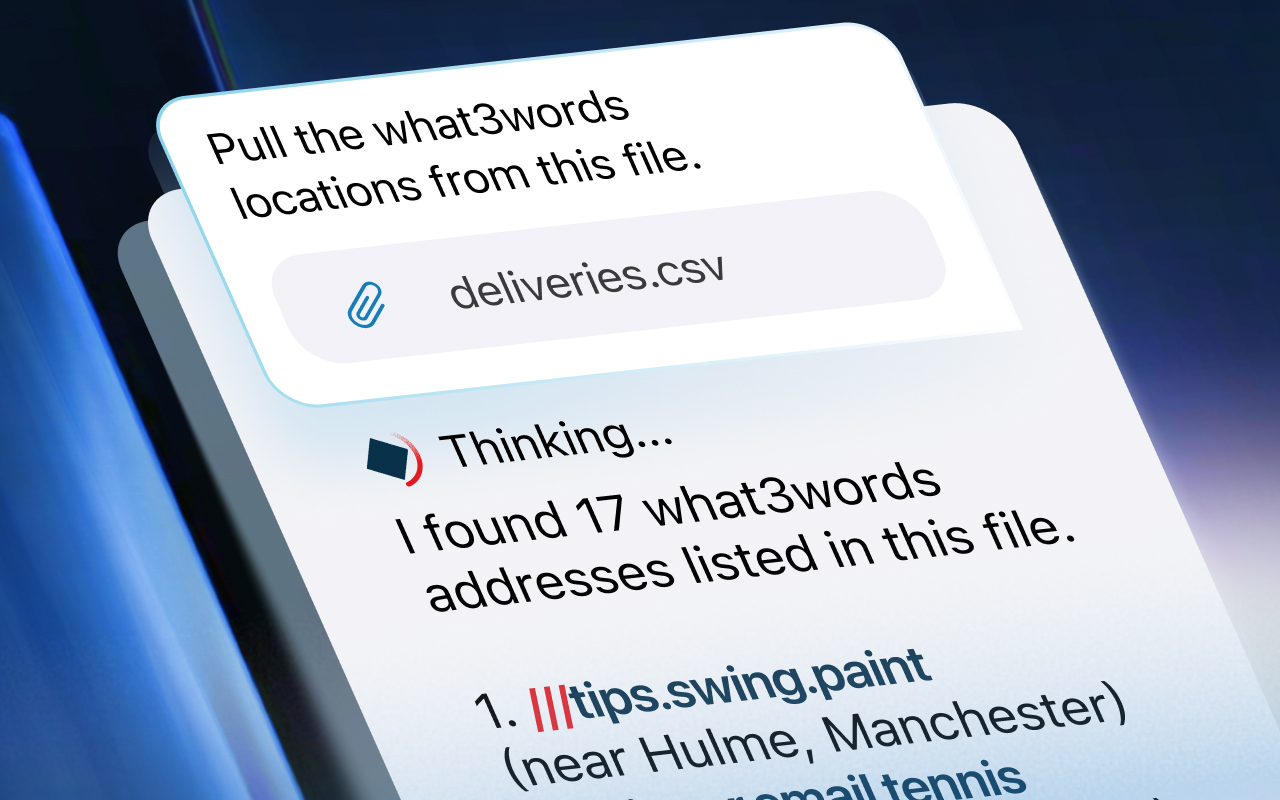
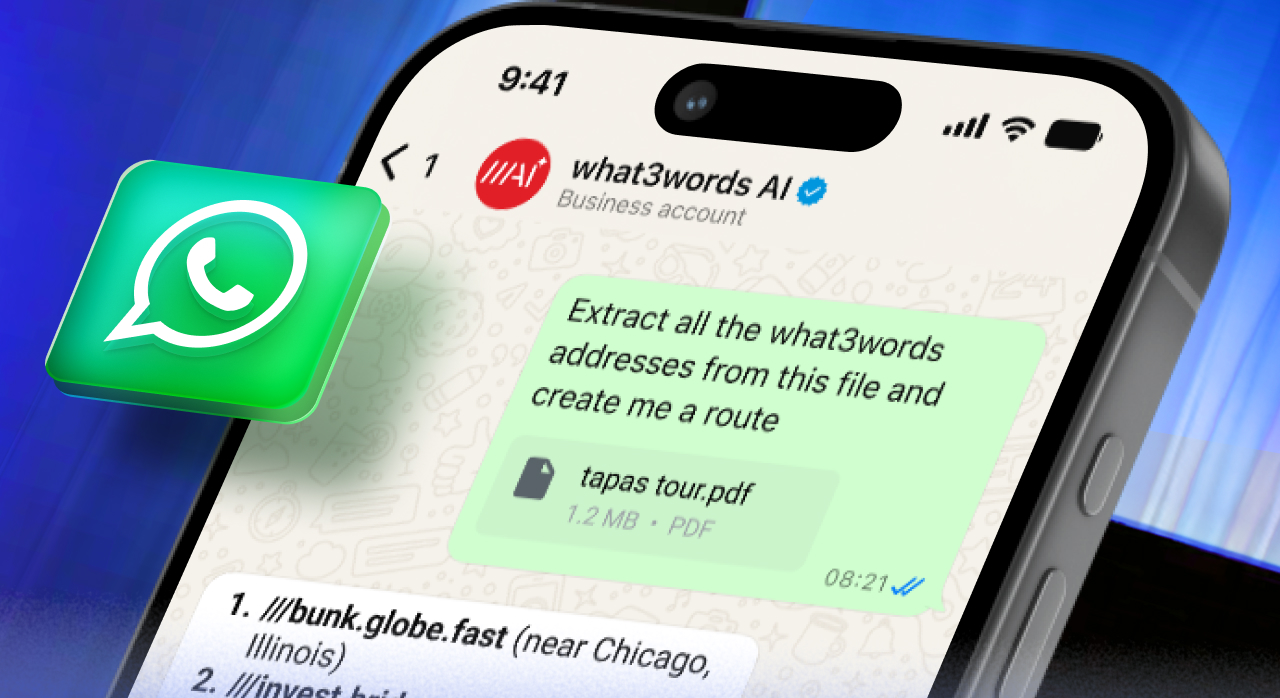
Import files to instantly extract locations
Upload an image, CSV or PDF to extract the what3words addresses from the file, then save them to a list, or use them to plan a route.
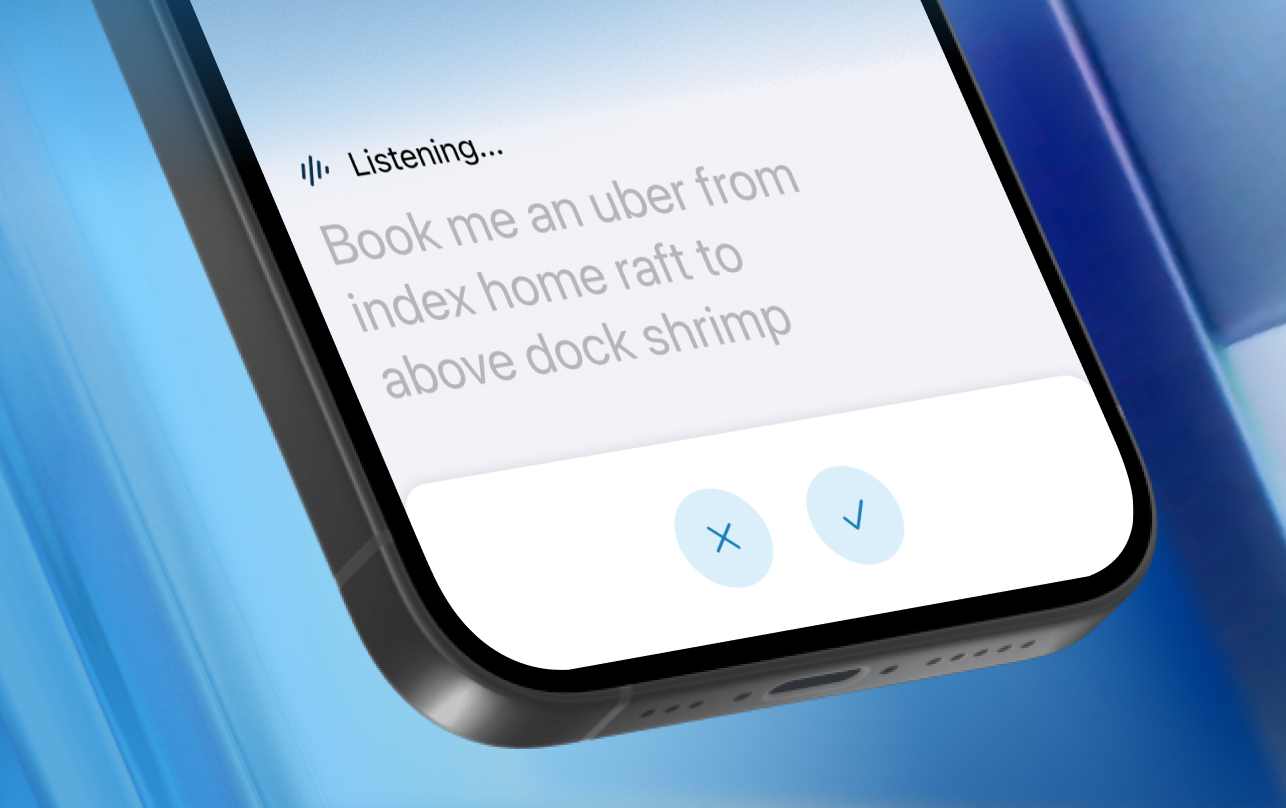
Enter queries effortlessly with Voice Chat
Use Voice Chat to interact with what3words AI using your own words. It’s a quick and easy way to get things done on-the-go.
Be in the flow,
what3words like a Pro
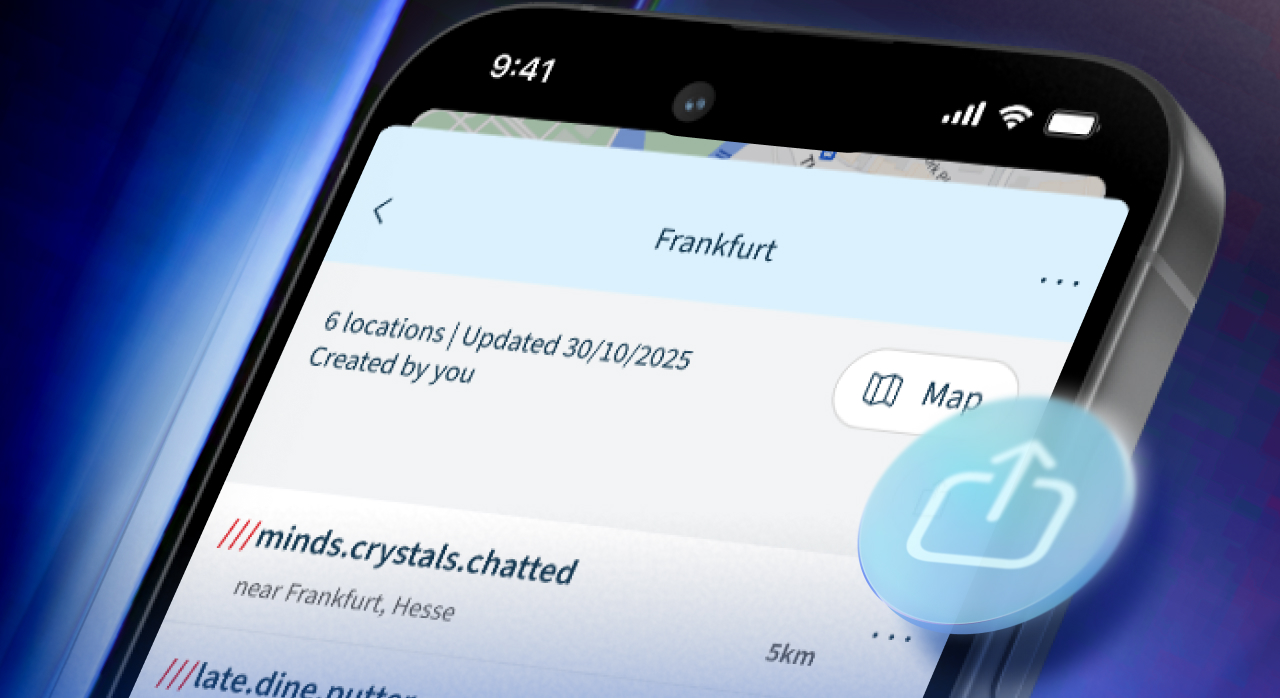
Share lists of saved locations
Share lists of precise locations with friends and colleagues, so they can follow them for live updates or save a copy.

Book an Uber to a what3words address

Create a multi-point route with what3words Pro

Effortlessly navigate big events like a Pro

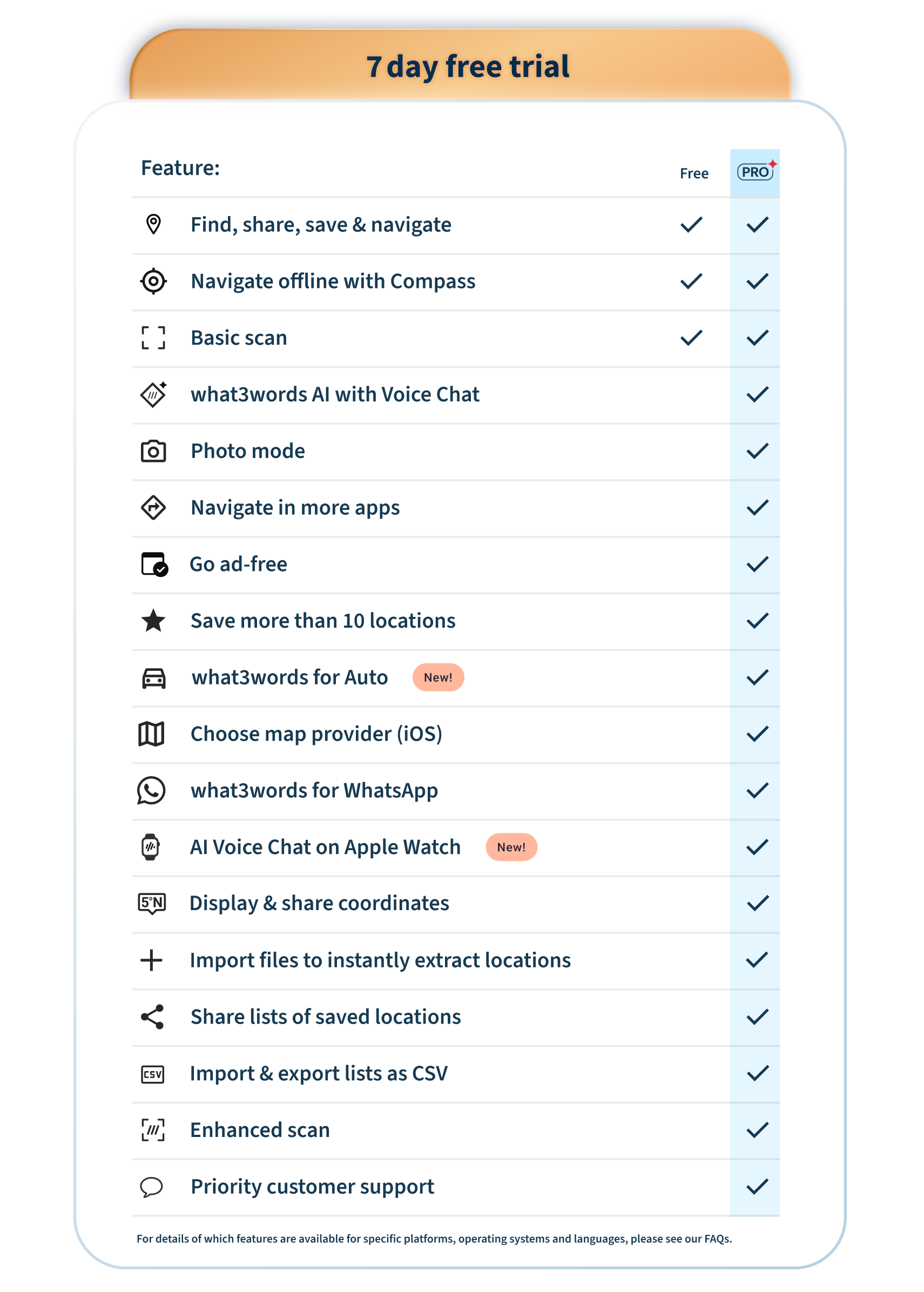
what3words Pro gives you access to AI tools and enhanced features.
*App only
†Currently available in English & German
what3words AI Chat is a conversational AI that understands what3words and how to use it.
You can give it a what3words address as part of an instruction or question and it will recognise the 3 words and the precise location they refer to – and respond accordingly.
For example, you can ask it to book a ride to a what3words address: I need an Uber to ///above.dock.shrimp
Or you can ask it to generate a route between what3words addresses: I need a Google Maps route from ///market.spoken.budget to ///filled.count.soap
It can also use your current location and generate a route between there and a what3words address: I need a Google Maps route to ///amount.shelf.olive Please note you may need to give our website and your browser permission to access your location. You can learn how to do that here
It can even bulk save multiple what3words addresses at once: paste them into AI Chat and ask it to save them in a list: Save these addresses in a new list called ‘Festival weekend’
Here’s the full list of things you can do with Pro and what3words AI:
Saved locations
Route planning
Languages and coordinates
How to access AI Chat:
You can ask your queries via text and voice* using the app, or with text entry using our online map.
*Voice queries are currently only available in English and German
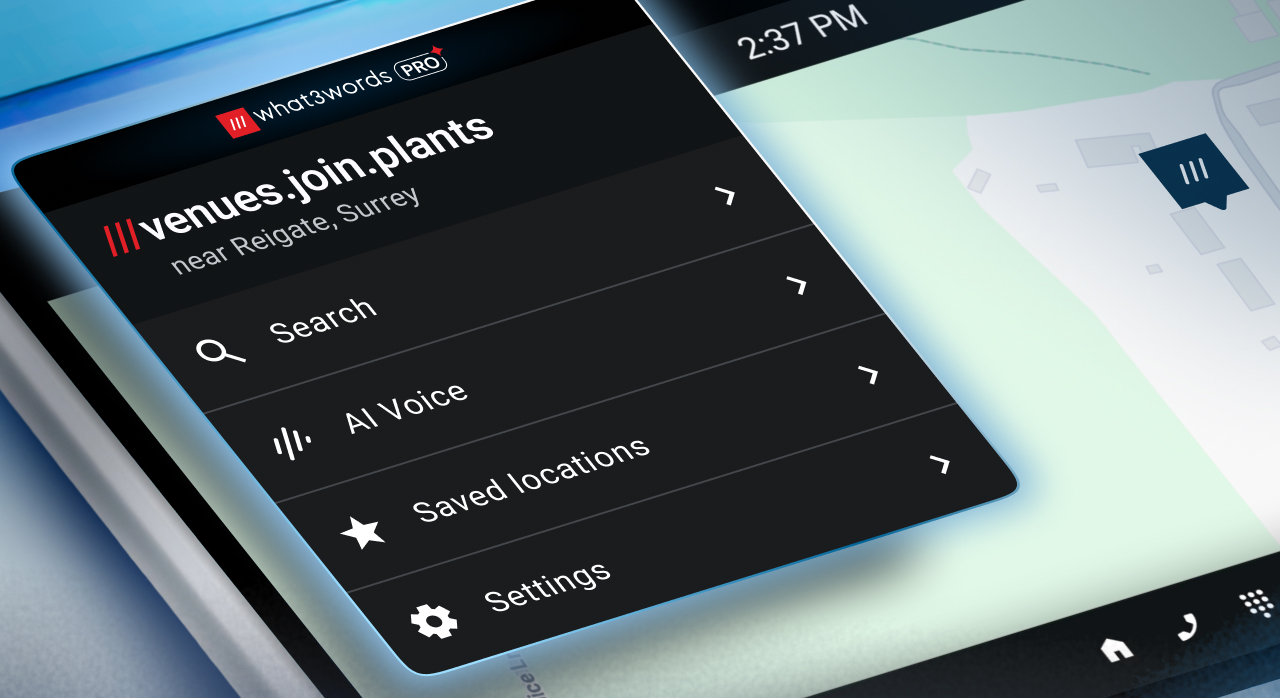
To use AI Voice Chat, tap the Voice button below the search bar and speak your query. You may need to give the app permission to access your device’s microphone.
How to use AI Voice Chat
Here’s how to extract what3words addresses from an imported file or image:
The free scan feature still allows you to capture what3words addresses in the moment using your device’s camera.
To access Enhanced Scan, you need a what3words Pro subscription. This gives you access to these functions:
Enhanced Scan is only available in the app.
How to use Live Scan: